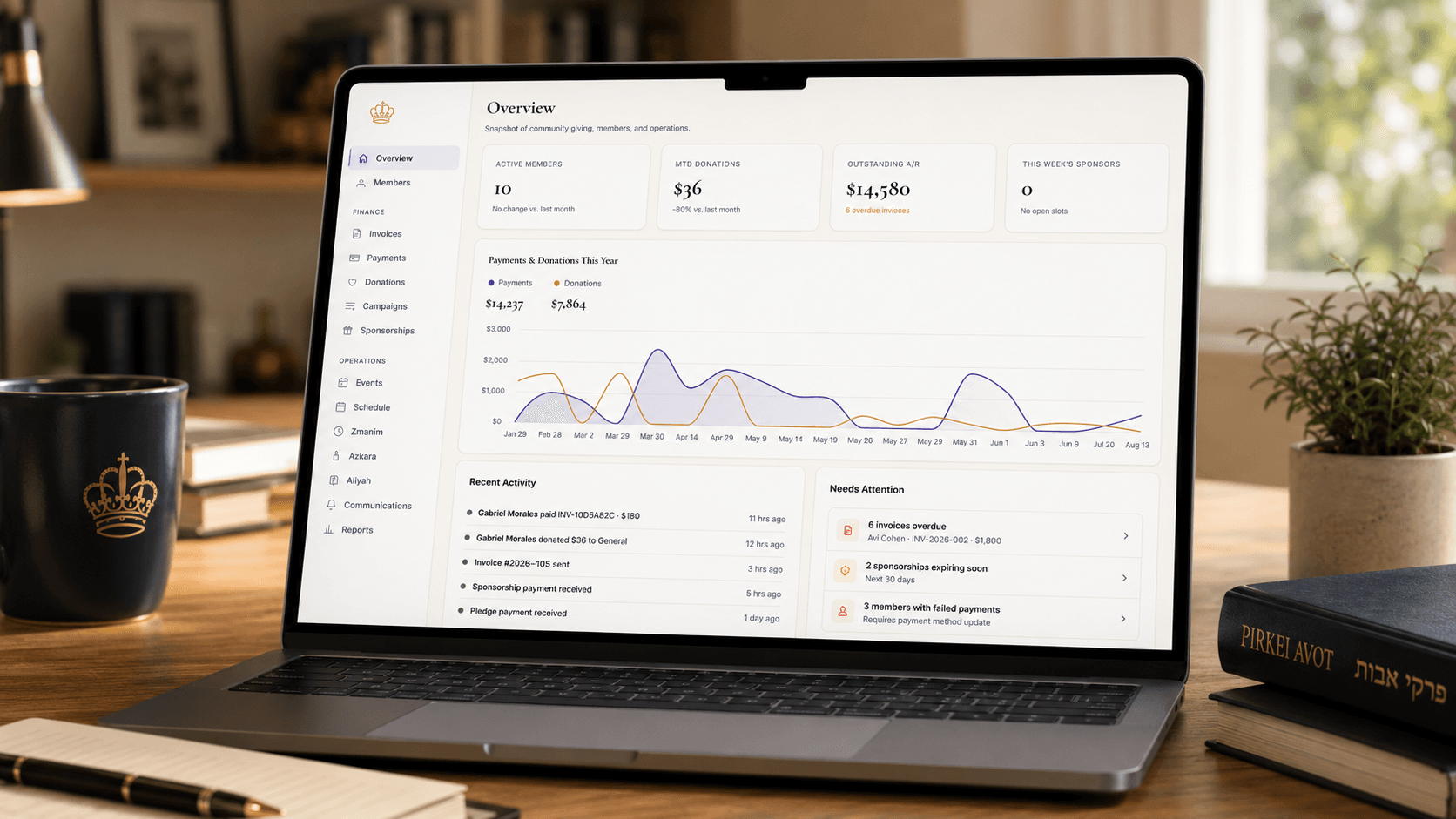
Stop Sending Two Emails: Flyers Now Ship Right Inside Your Shabbat Schedule
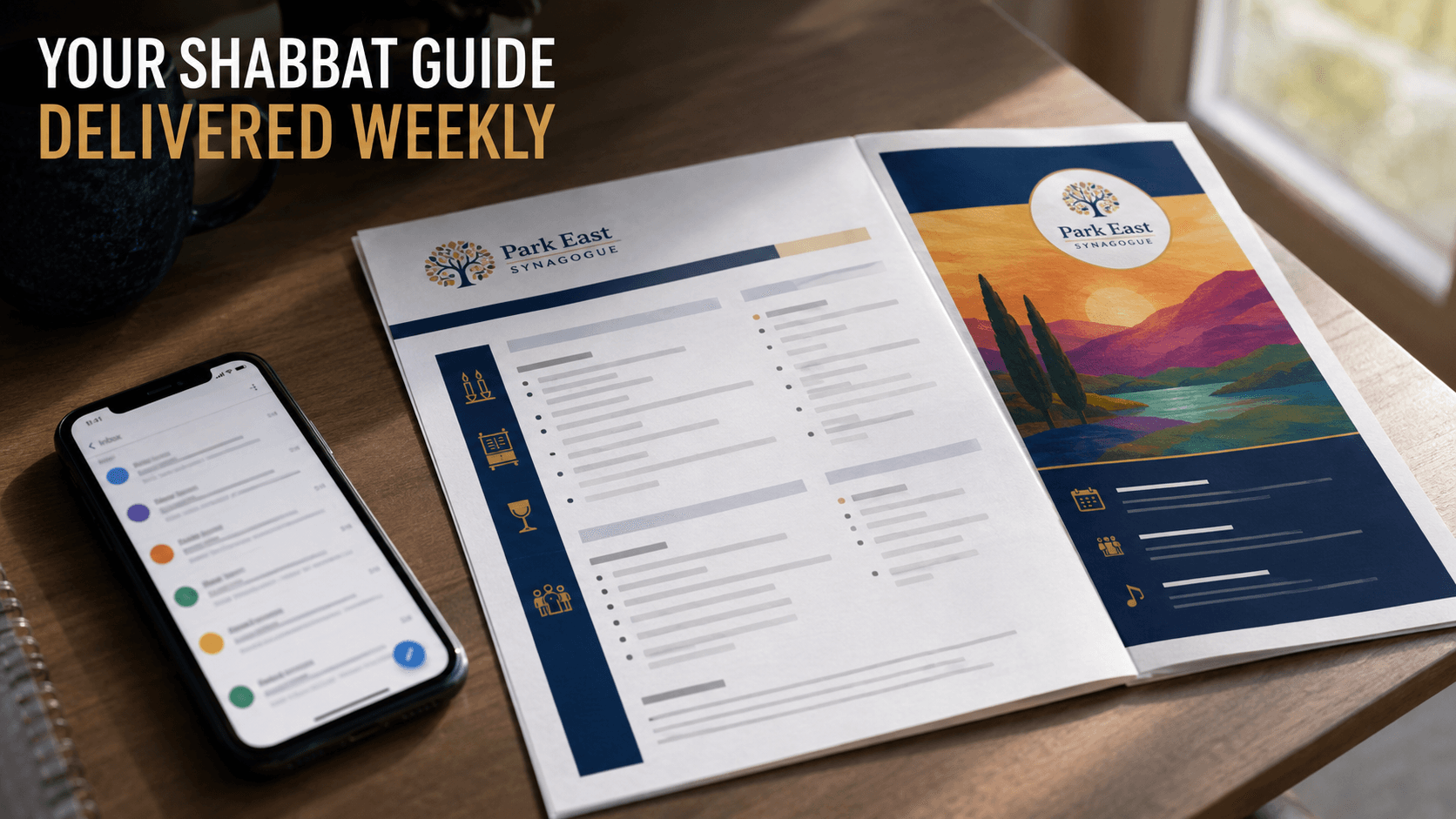
Stop Sending Two Emails: Flyers Now Ship Right Inside Your Shabbat Schedule
If you run a shul, you know the drill. The weekly schedule goes out — candle lighting, davening times, kiddush sponsor. Then, separately, a poster for the scholar-in-residence weekend. Then another email for the fundraiser dinner. By the third email that week, half your members have stopped opening any of them.
GabbaiPro's schedule builder now lets you attach up to five image flyers directly to your weekly Shabbat schedule. One upload, one email, one PDF — and the flyers ride along as full-page, full-bleed inserts right after the schedule itself.
How it works
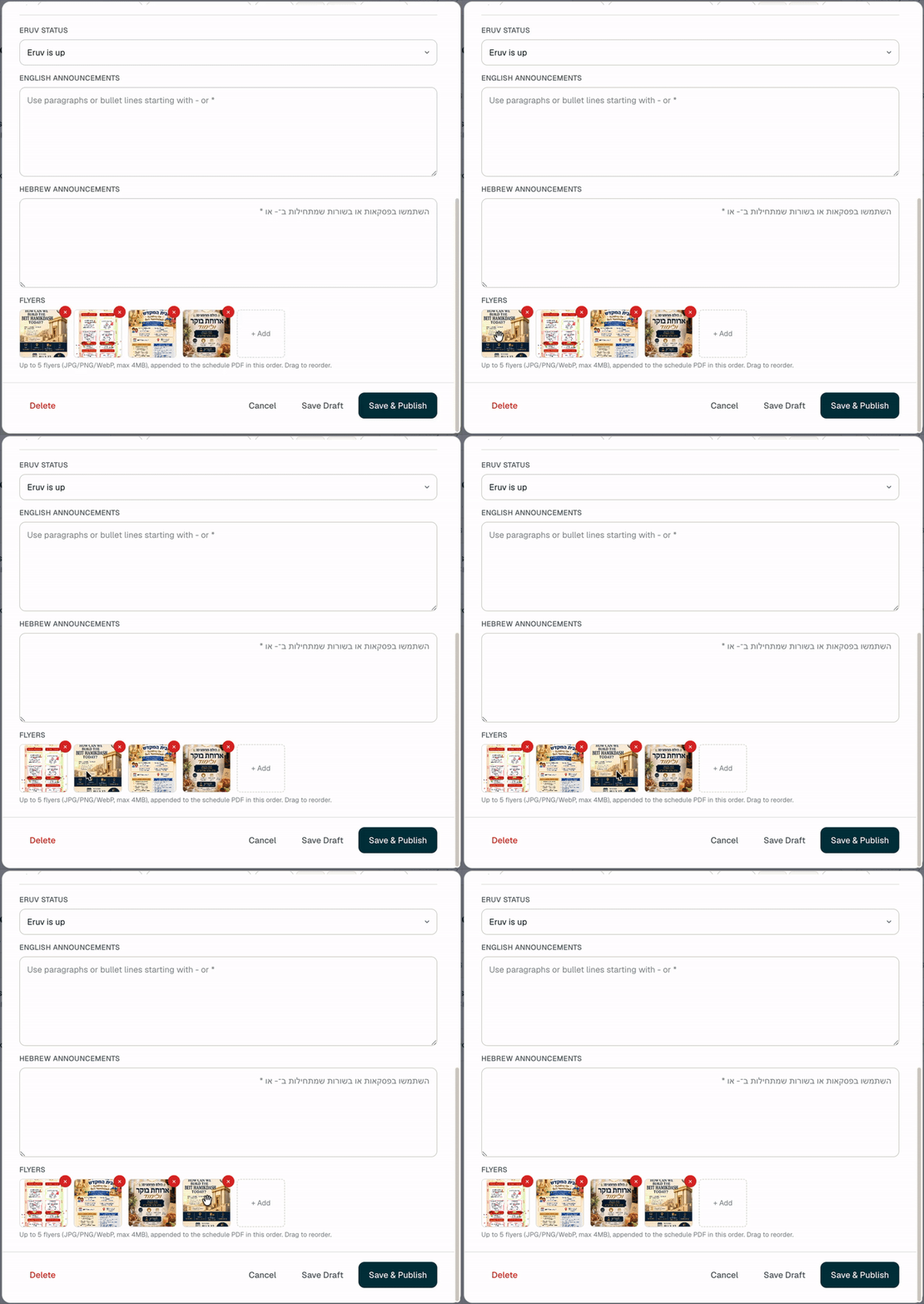
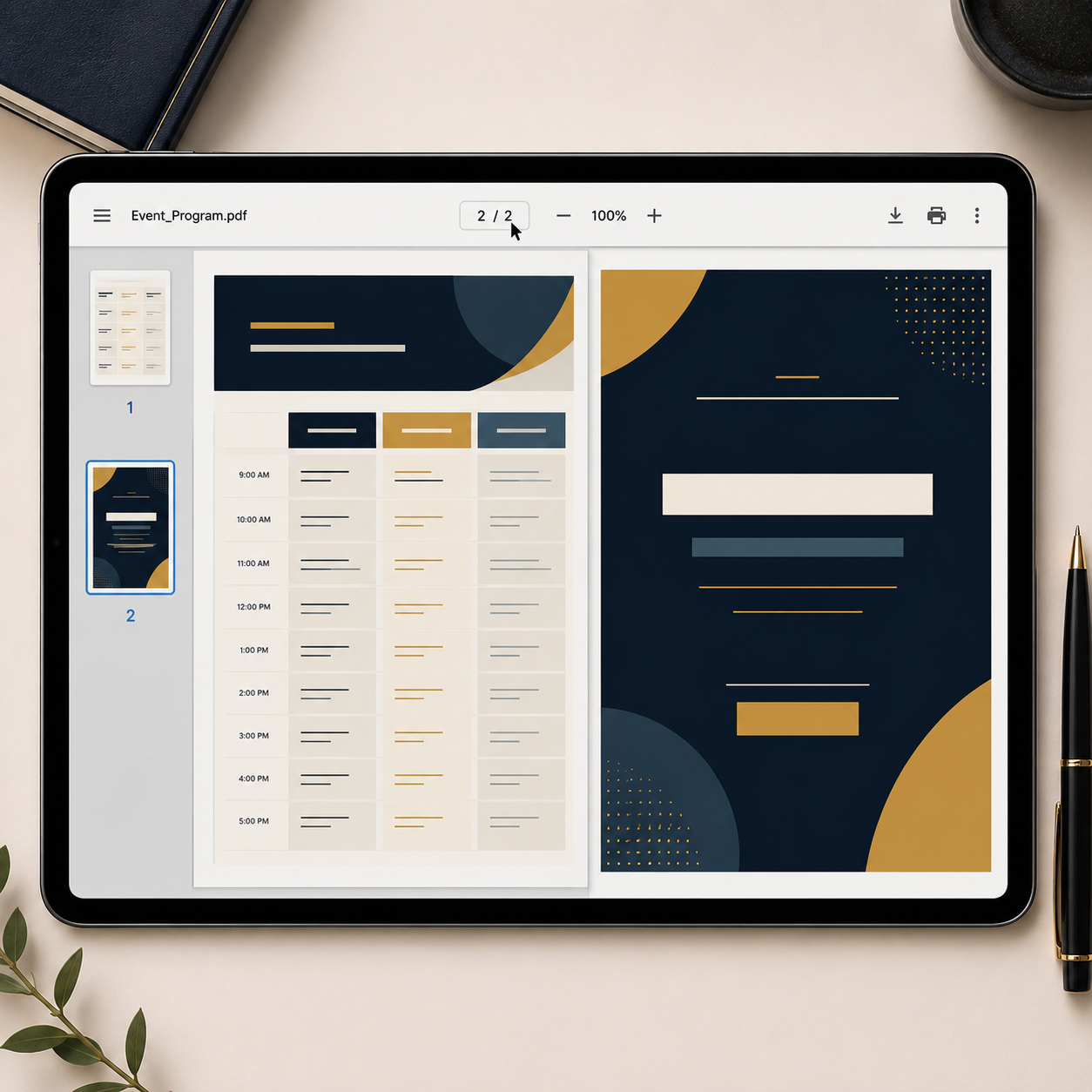
When you're building or editing a Shabbat schedule in the admin portal, you'll see a new Flyers section next to the English and Hebrew announcement fields. Drop in a JPG, PNG, or WebP — a poster for an event, a sponsor ad, a community notice — and it shows up as a thumbnail you can drag to reorder. Attach up to five. Save and publish, and every flyer appears as its own full-page image in the schedule PDF, in the order you set, right after your written announcements.
No cropping, no re-formatting. Whatever you upload is what prints — so if you already have a designed flyer from Canva or your event committee, it goes in as-is.
Why this matters for a shul specifically
Congregants already treat the weekly schedule email as the one thing they'll definitely open before Shabbat. Every other announcement is competing for attention against everything else in their inbox. Attaching the flyer to that one email means your event promotion rides on the schedule's own open rate — instead of hoping a standalone blast gets noticed.
It also cuts down on the admin side of things. No more exporting a flyer, attaching it manually to a separate email, writing a subject line, and hoping people don't miss it. It's part of the same publish step you're already doing every week.
The details that matter
- Size and format limits are enforced both in the browser and on the server (JPG/PNG/WebP, 4MB per flyer), so you get an immediate error if a file's too big — not a bounced email hours later.
- There's a safety net on the email side too. If five high-resolution flyers would push the PDF past what email providers allow as an attachment, the system catches it before sending — your schedule still publishes, you just get a clear heads-up that the email didn't go out so you can trim a flyer and resend.
- No flyers attached, no extra pages. If you don't use the feature, your schedule PDF looks exactly like it did before.
Bottom line
If you're printing bulletins or sending separate flyer emails today, this removes a step from your weekly routine — and gets your announcements in front of more people, because they're riding on the email everyone already opens.