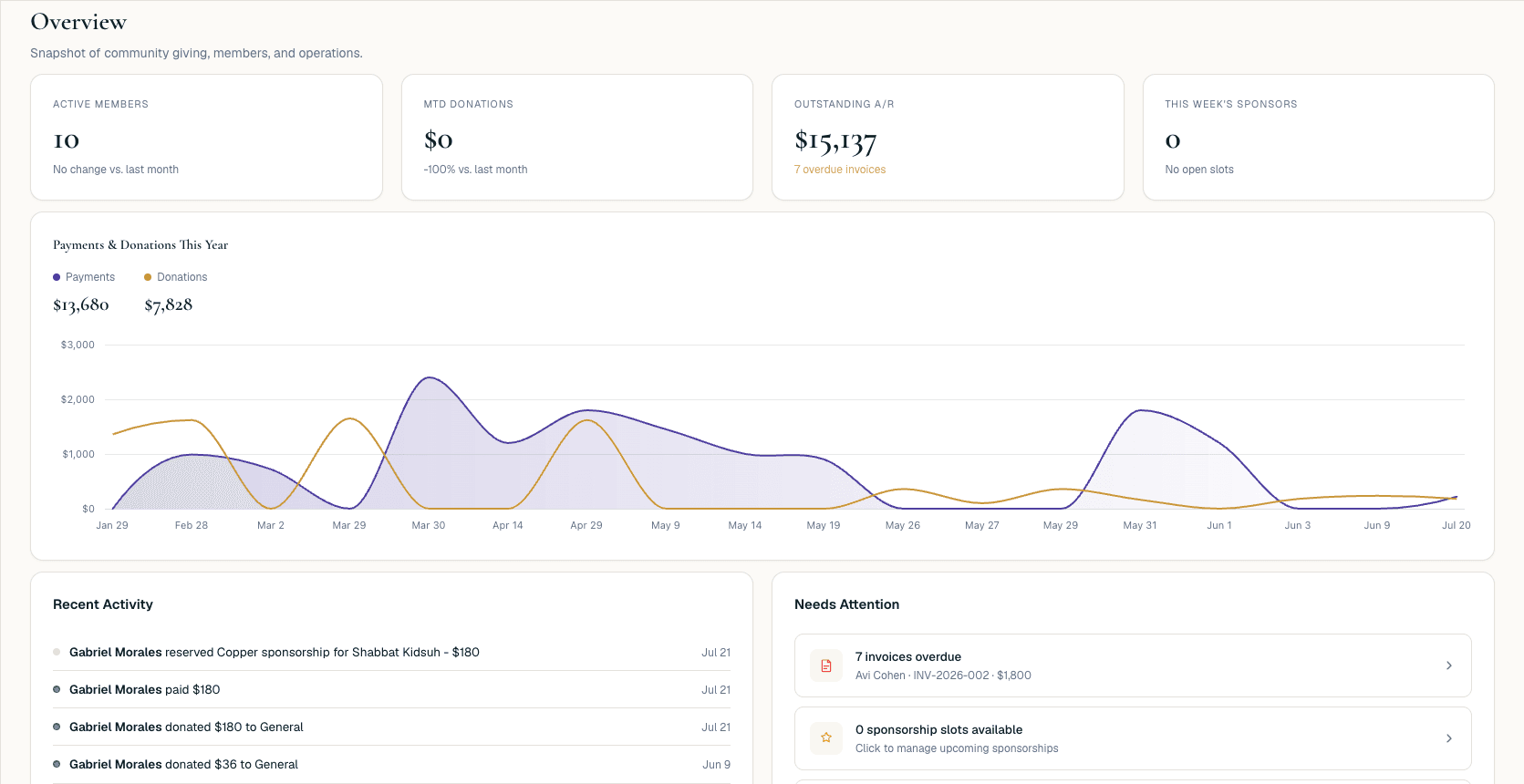
1. Administrator dashboard
Open the dashboard and see household balances, recent payments, open pledges, and follow-up items at a glance.

From the administrator's dashboard to a congregant paying dues online — this is what running your shul on GabbaiPro looks like.
Open the dashboard and see household balances, recent payments, open pledges, and follow-up items at a glance.
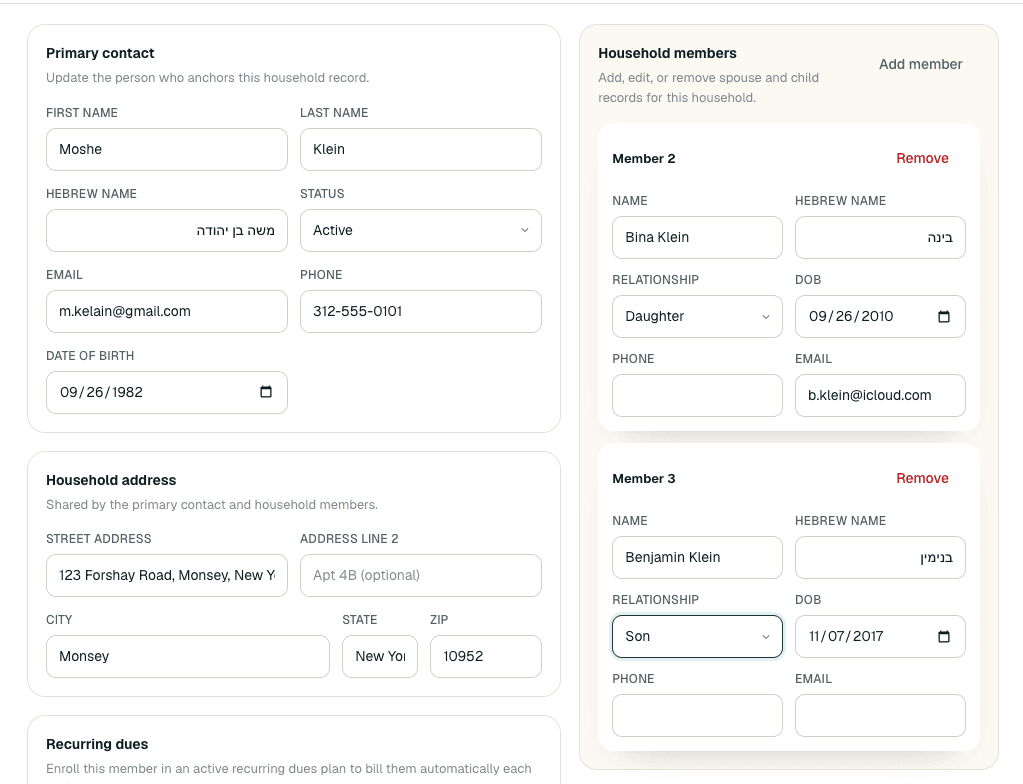
Pull up a household to see contact info, dues status, pledges, and lifecycle notes in one place.
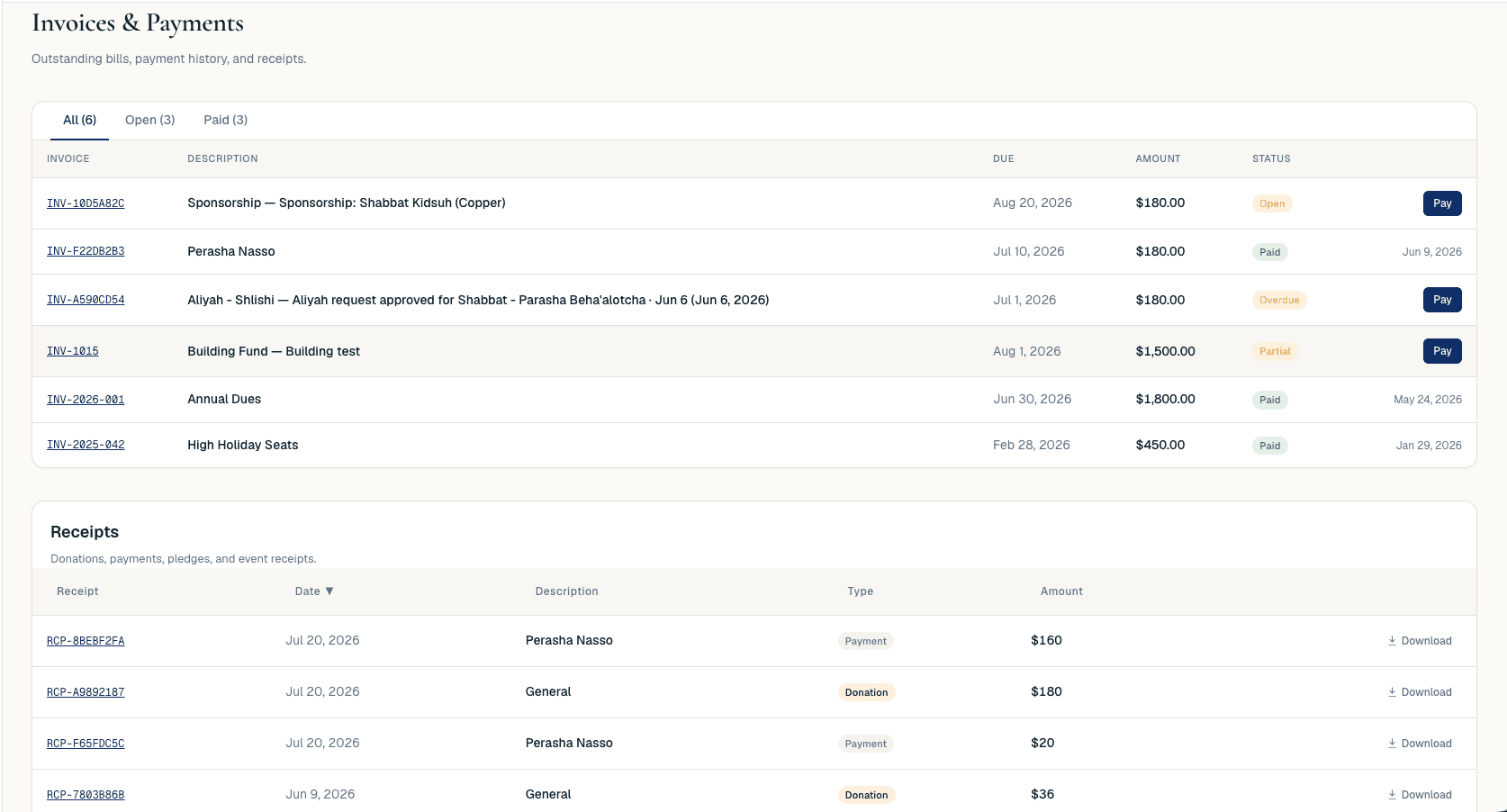
Bill a household directly from its record, or run a batch billing cycle across the congregation.
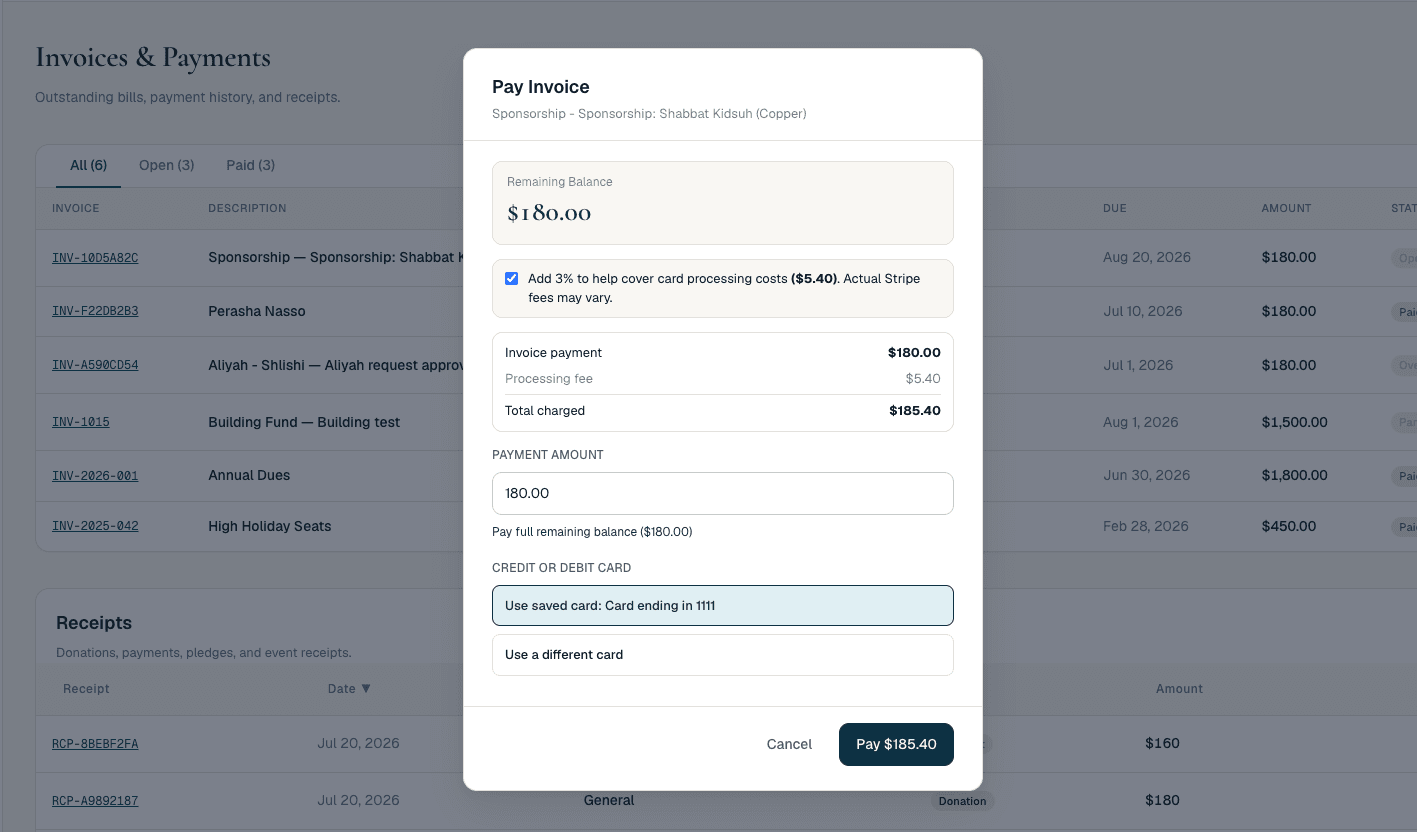
The member logs into their portal and pays by card or ACH — no phone call to the office.
The receipt generates automatically and the household balance updates in real time.
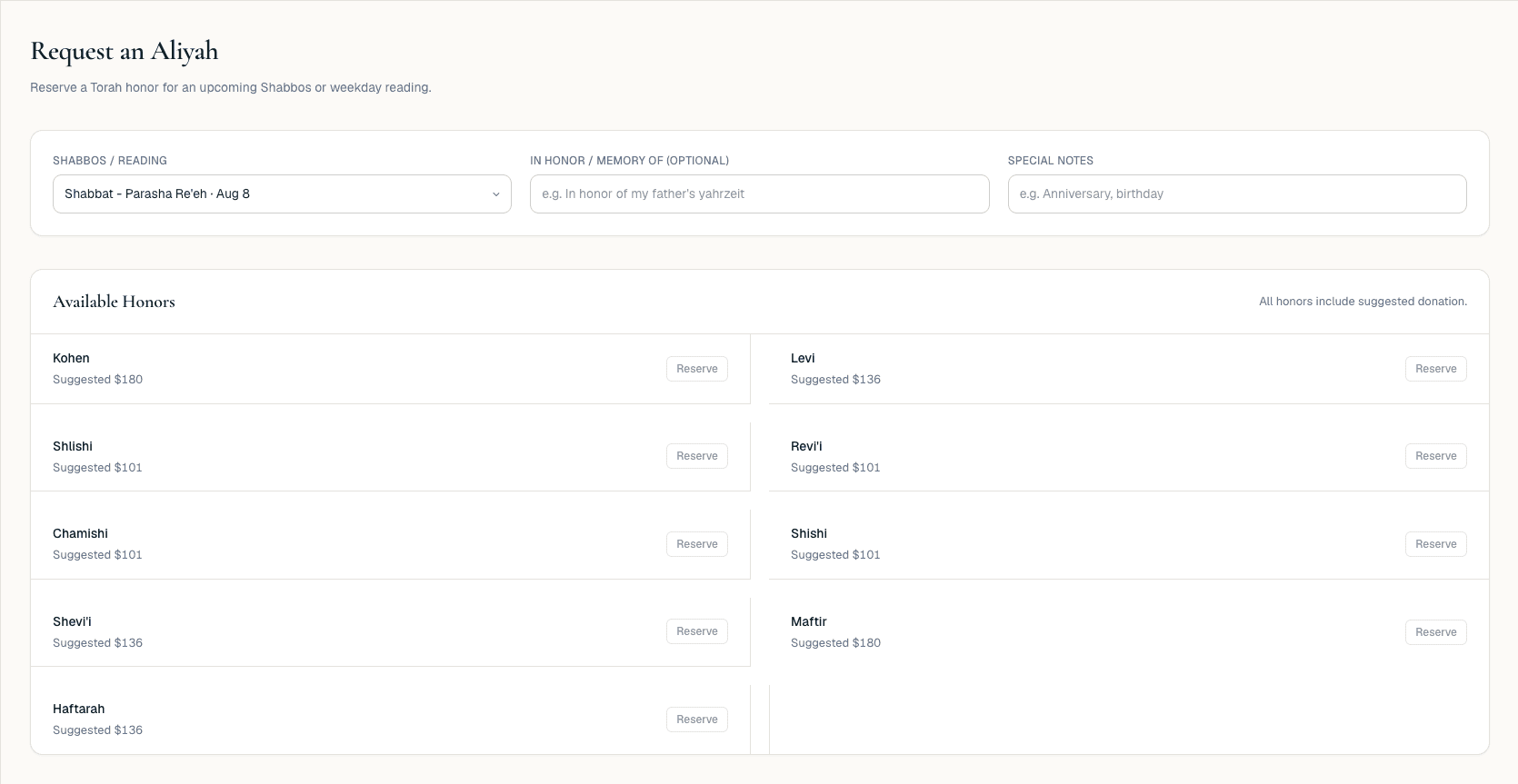
Gabbaim see upcoming yahrzeits and pending aliyah requests with full member context attached.
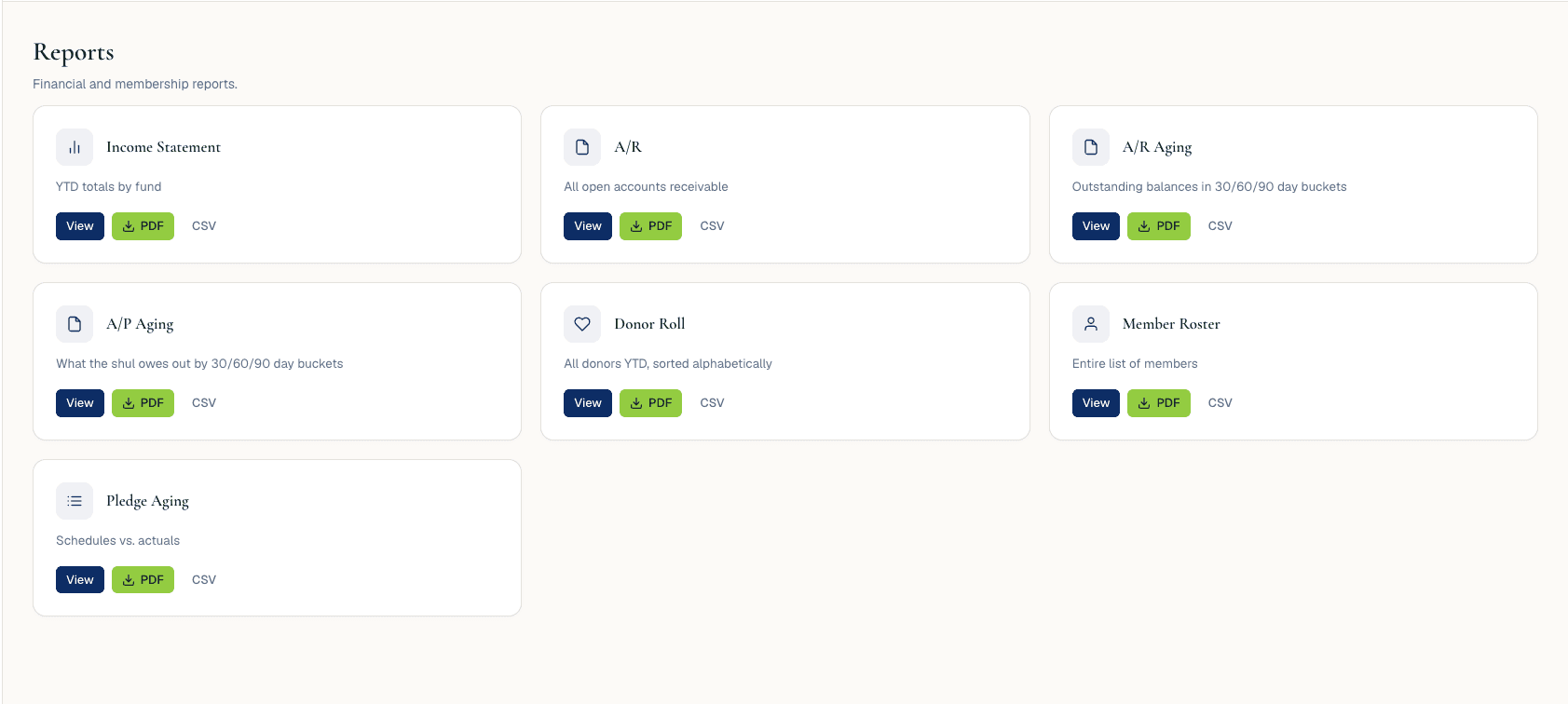
Pull membership, donation, and financial reports for the board or finance committee.
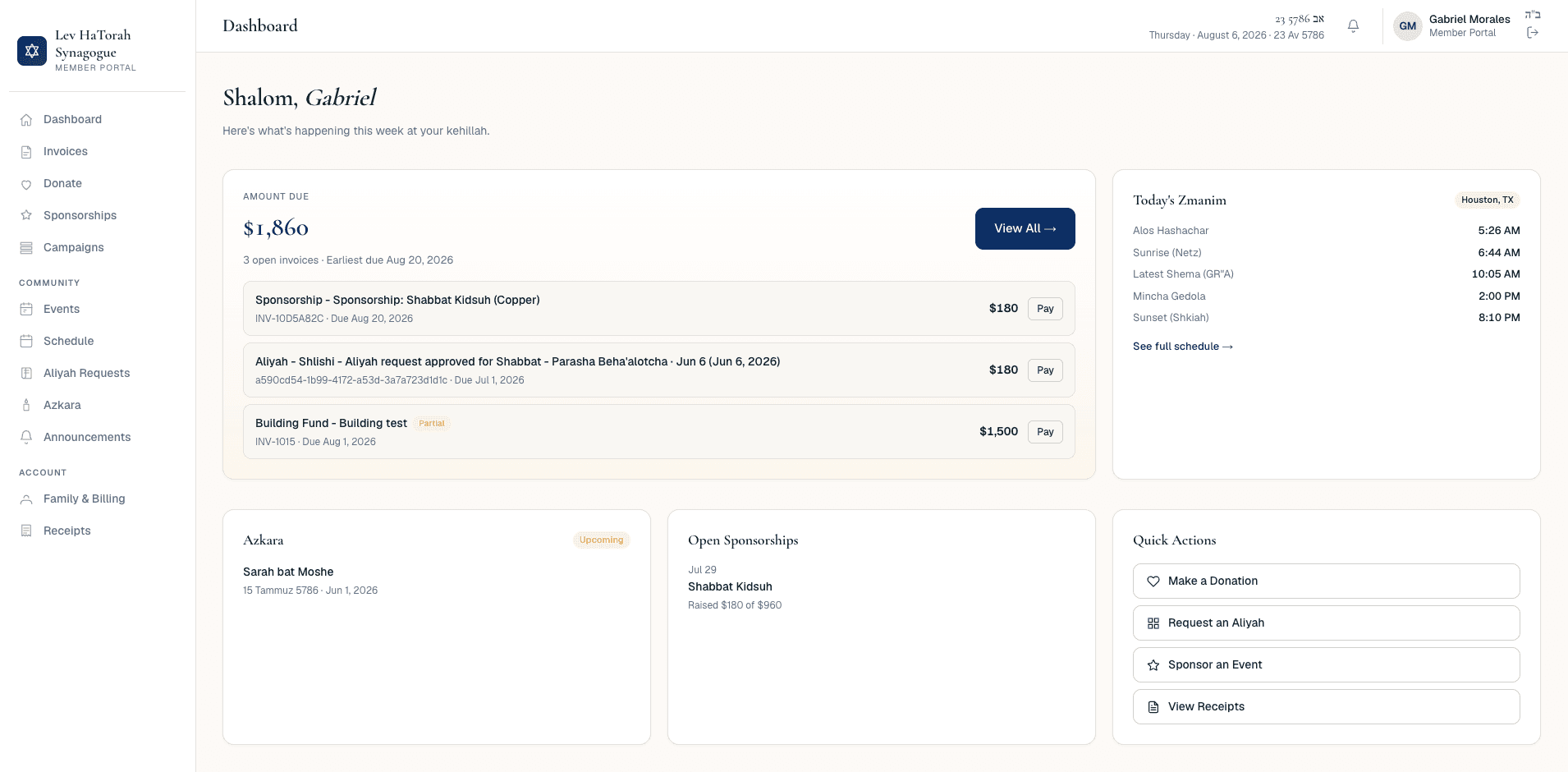
Congregants manage their own profile, review receipts, and check balances any time, from any device.